How Stephen Gould Scaled Its Capacity by 30% without Making a Single Hire

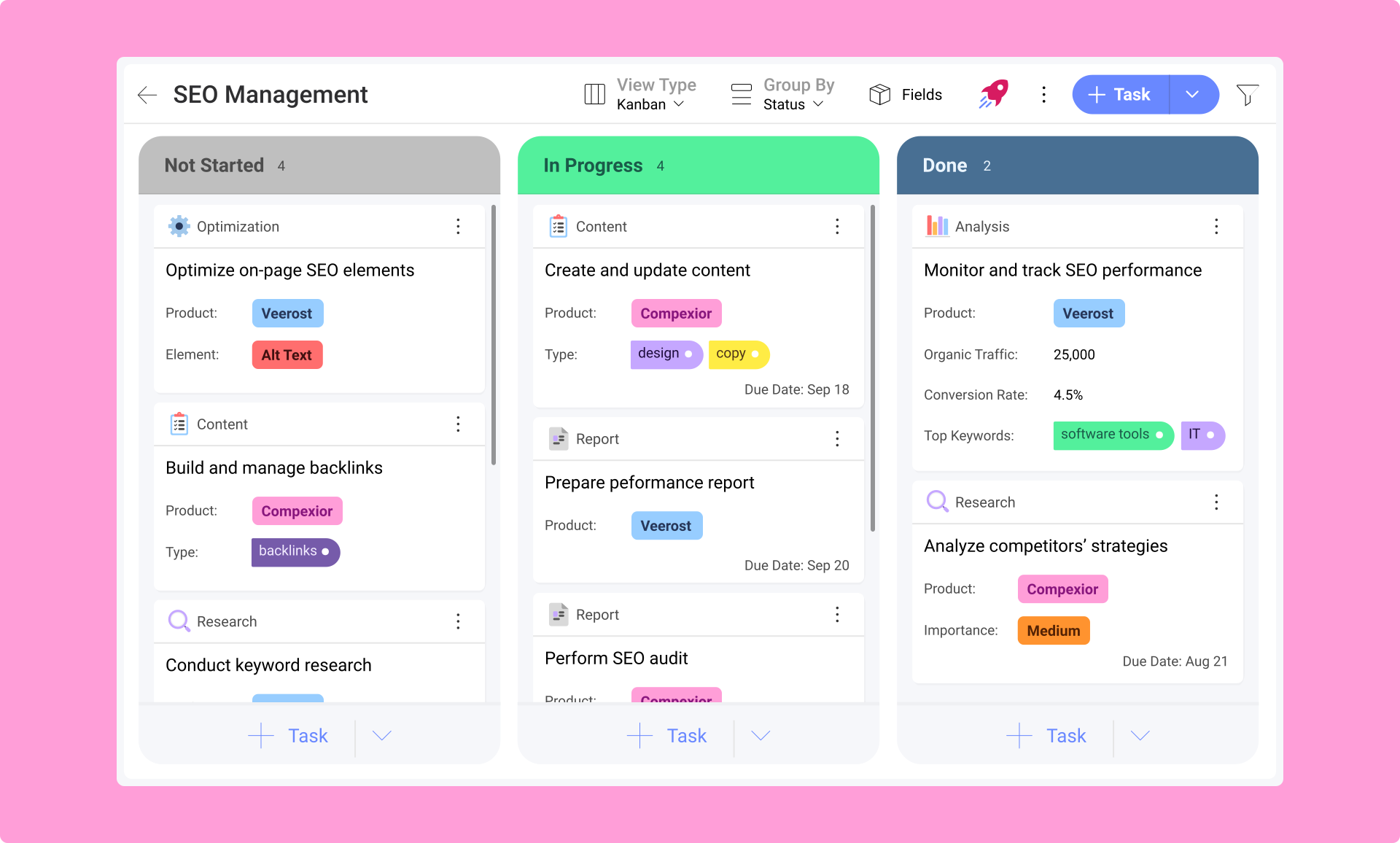
Overcome the limitations of generic task management. Utilize distinct icons and fields tailored to each task type, and seamlessly reuse them across your organization or workspace. Improve task clarity and organization, ensuring every task aligns with your team’s specific processes and boosts overall productivity.

Customization and Specificity
Define task types that match your team’s unique workflows and processes. Tailor each type to suit specific needs, from objectives and user stories to bugs and milestones.

Enhanced Clarity
Use distinct icons and fields to categorize tasks effectively. Improve visibility and understanding, ensuring that team members can easily differentiate and manage various task types.

Efficient Organization and Scalability
Organize tasks into meaningful categories for better management. Scale task types across departments or your entire organization to maintain consistent processes and meet diverse team needs.
Each task type can be assigned unique icons and fields, ensuring that every new task is created with the exact information you need. Personalize your task layout to match your team’s needs and simplify task tracking with a consistent and intuitive setup.

Standardize Task Types by saving your custom task types to the Organization or Workspace Library. Develop a repository of task types that your team or entire company can reuse, ensuring consistency across various projects and departments. Define and customize terms that reflect your business processes, making it easier for everyone to adhere to standard practices and improve efficiency across your organization.

Personalize your task lists with customizable action buttons. Modify the main action of the “+” button to create specific task types based on your needs. Ensures that your most common tasks are just a click away, aligning with the list or project requirements.

Explore our collection of ready-to-use templates, carefully crafted to cater to the needs of multiple use cases and departments. Save time and effort by trying out the template that suits your workflow best. It only takes a few clicks to get started.
See All Templates
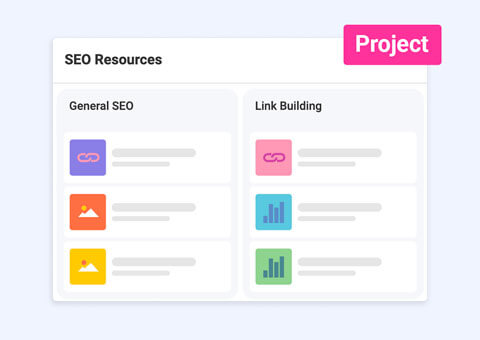
Manage and follow up on your SEO projects with this dashboard and project template.
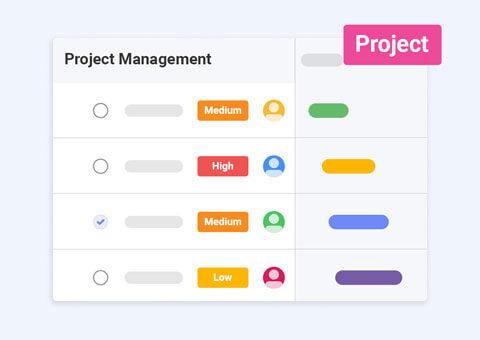
Seamlessly manage tasks, teams, and projects of any complexity from start to finish.
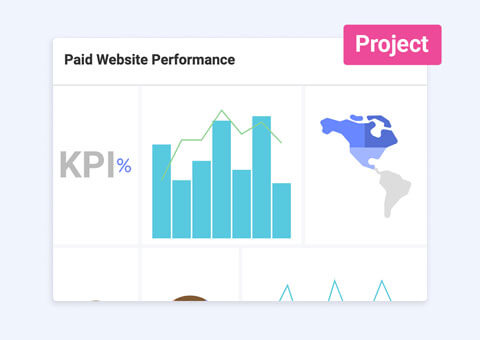
Get a comprehensive view of any PPC campaign data with our dashboard template.
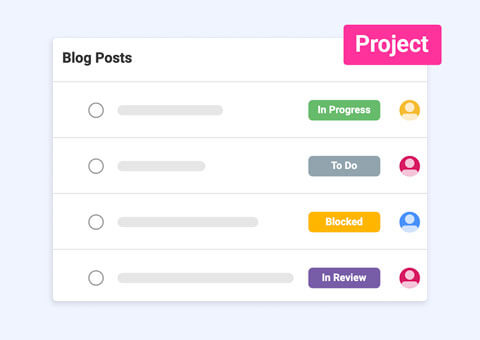
Build your content calendar tasks and track content performance from a single platform with ease.

Tailor your project tracking with Custom Fields—create, organize, and prioritize tasks to fit your unique workflow needs.

Leverage Slingshot AI to transform data into actionable insights, automate tasks, and drive smarter, faster decisions.