Notifications Center
The Notifications Center is designed to keep you updated of any workspace and dashboard changes. Open it by selecting the bell icon in the top right section of the application.
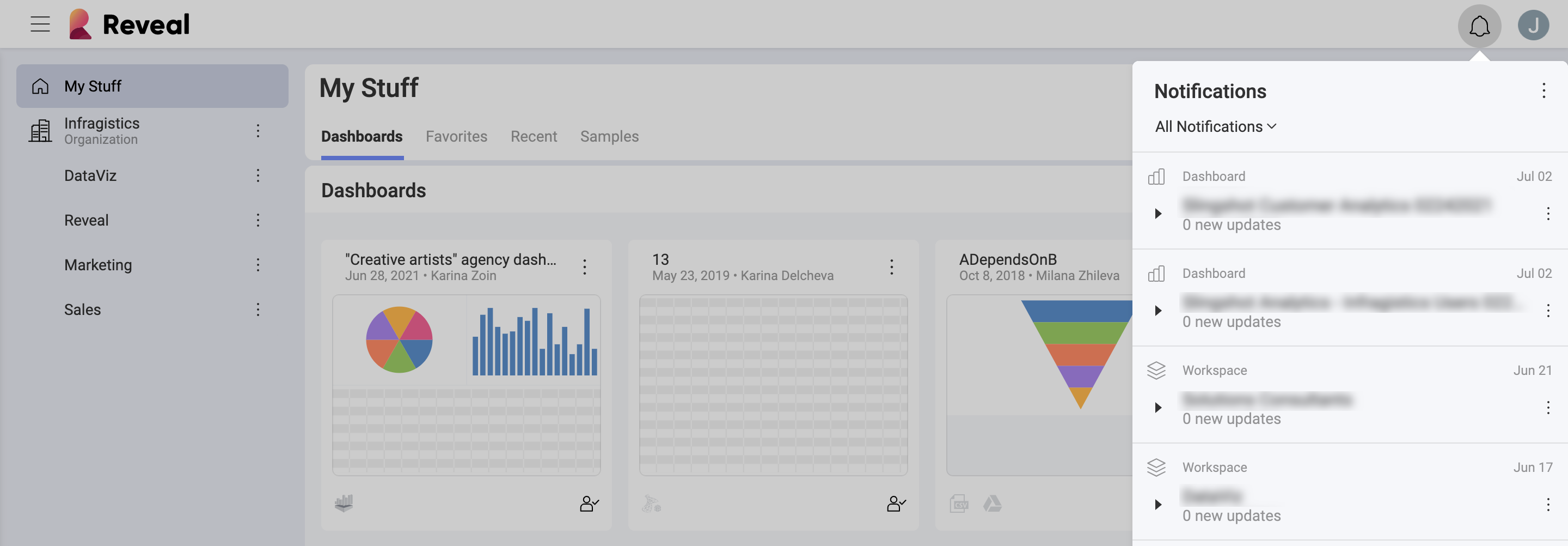
Whenever you receive a notification, you will see a change in the notifications' icon. Depending on your notification settings, you might also see an in-app notification with the specific change.
In the Notification Center you can:
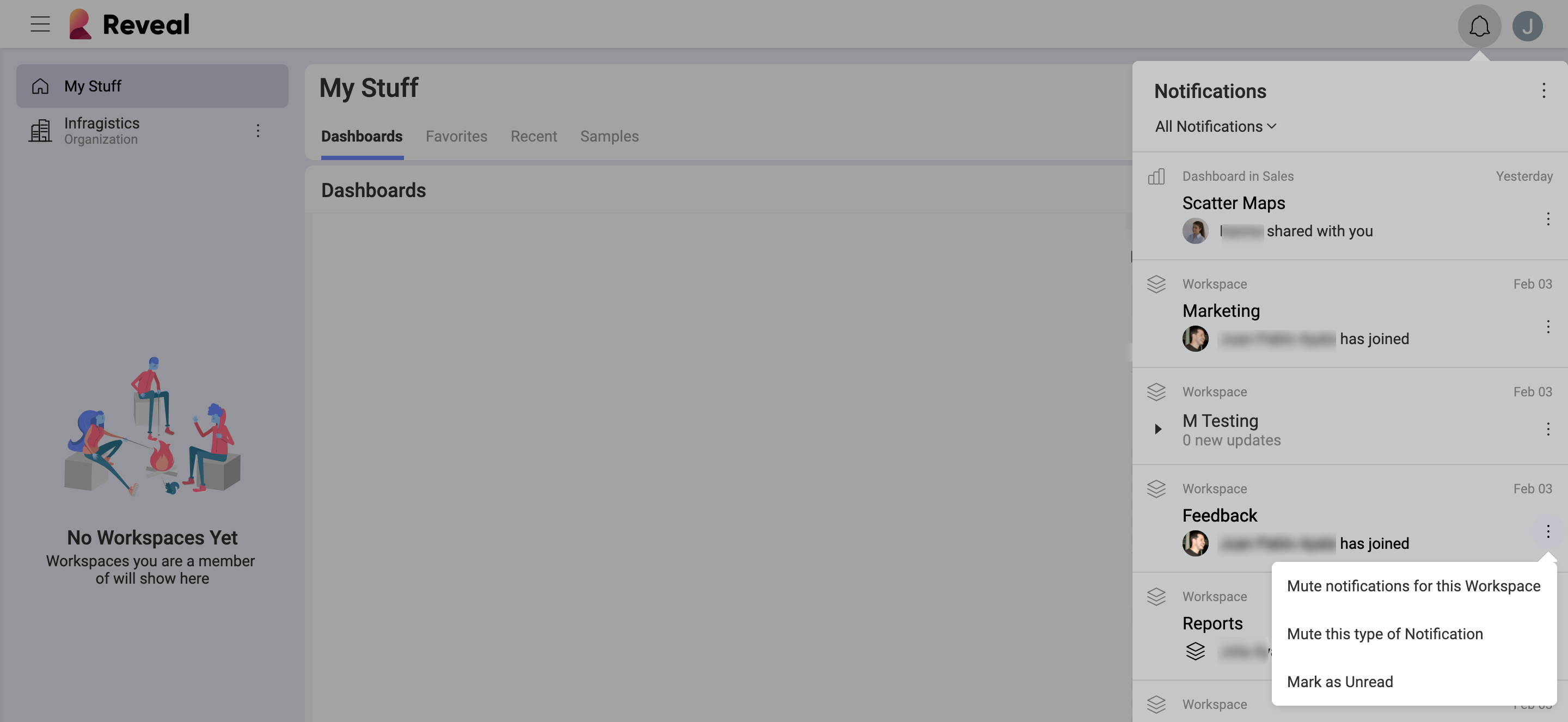
Mark all notifications as Read or Unread by selecting the glasses icon.
Additionally, you can turn off notifications by selecting the Mute this type of notification option in the overflow menu.
Notification Preferences
You can easily edit your notification preferences. Тo do that, click/tap on your profile photo in the top right corner of the screen. Then navigate to Settings ⇒ Notifications.
Notification Types
You can receive three different types of notifications for both Workspace and Dashboard changes:
Email notifications, which will be delivered to the e-mail address associated with your account.
Push notifications, which will pop up on your mobile or desktop screen.
In-App notifications, displayed with a number inside the bell icon.
To edit your notifications preferences, select the pencil icon next to workspace or dashboard notifications. To turn on/off notifications, click/tap on the toggle button on the right.
Workspace Notifications
You can configure your Analytics account to receive notifications when you are removed from a workspace, or whenever new members join a workspace you are already part of.
For Workspaces, the following settings are enabled by default:
| Push | In-App | ||
|---|---|---|---|
| I’m removed from a Workspace |  |
|
|
| New members join | |
Dashboard Notifications
You can configure your account to receive notifications whenever dashboards are shared with you or with a workspace, or when they are updated.
For Dashboards, the following settings are enabled by default:
| Push | In-App | ||
|---|---|---|---|
| Dashboard is shared with me | |
|
|
| Folder is shared with me | |
|
|
| Dashboard shared with a Workspace i’m in | |
|
|
| Folder shared with a Workspace i’m in | |
|
|
| Dashboard is updated | |
|
|
| Dashboard access is requested | |
|
|


