
How Stephen Gould Scaled Its Capacity by 30% without Making a Single Hire

Use the Social Media Campaign Template to connect planning, execution, and performance in one place, so nothing falls through the gaps.

Plan campaigns and assign content by channel
Track every piece of content from idea to publication
Keep timelines, approvals, and publishing on schedule
Monitor performance and act on results


Most teams don’t have a content problem. They have a coordination problem. Managing social media campaigns requires more than scheduling posts.
When your social media campaigns live across a spreadsheet, a Slack thread, and a scheduling tool, things break. Posts go out late. Approvals get missed. Performance data sits in a separate tab that no one checks.
Running campaigns well means managing all of this in one place:
Content planning and channel assignment
Approval workflows and publishing schedules
Campaign timelines with clear ownership
Performance tracking tied to execution
Instead of managing campaigns across spreadsheets, scheduling tools, and communication platforms, this template connects planning, execution, and performance in a single system.
The Social Media Campaign Template centralizes these processes, enabling teams to execute campaigns with clarity and speed.
Social campaigns often break down during execution.
Content gets created but not tracked, so no one knows what’s ready to publish. Timelines slip because approvals are happening in email. And when a campaign underperforms, there’s no easy way to trace it back to what went wrong in execution.
This template helps teams:
Get a single view of every campaign, channel, and content piece
Track content status from first draft to published post
Keep approvals moving with structured workflows
Connect campaign results to execution decisions
Social campaigns are fast-moving and collaborative. You’re managing content, approvals, timelines, and performance across multiple channels.
This Social Media Campaign Template gives you the structure to:
Coordinate content production across teams
Manage approvals and publishing
Track campaign progress
Monitor performance outcomes
Campaign Planning and Content Tracking
Organize content by:
Content Production Workflow
Track content through stages:
Publishing and Scheduling Visibility
Manage posting schedules across platforms and campaigns. Spot gaps and conflicts before they become missed deadlines.
Performance Tracking
Track:
Content gets delayed:
Without structure, timelines slip.
Collaboration is fragmented:
Teams work across tools, losing context.
Performance isn’t connected to execution:
Insights don’t translate into action. Teams using a content planning workflow can connect planning directly to execution.
Campaign visibility is limited:
No single view of progress and results.
Most social media tools do one thing well. Scheduling tools help you publish. Project tools help you assign tasks. Analytics tools help you measure.
Switching between them is where campaigns fall apart.
Slingshot is built around social media campaign management as a complete workflow, not a collection of features.
In one system. There’s no gap between content creation and campaign results.
Explore our collection of ready-to-use templates, carefully crafted to cater to the needs of multiple use cases and departments. Save time and effort by trying out the template that suits your workflow best. It only takes a few clicks to get started.
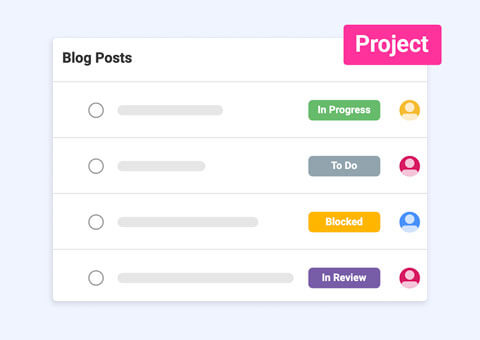
Build your content calendar tasks and track content performance from a single platform with ease.
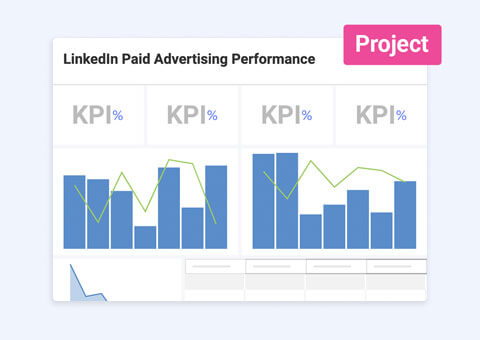
Organize effortlessly and manage your paid social media content while tracking performance from all platforms in one view.
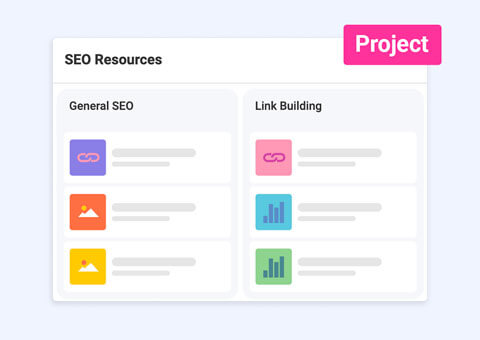
Manage and follow up on your SEO projects with this dashboard and project template.
Seamlessly manage tasks, teams, and projects of any complexity from start to finish.
Plan, execute, and track campaigns in one place.
Use Template Use Template Use Template