

How Stephen Gould Scaled Its Capacity by 30% without Making a Single Hire

HubSpot, Salesforce, and GA4 are connected — so why does your data still feel fragmented? The issue isn’t where data lives.
 Casey Ciniello
8min read
Casey Ciniello
8min read
Executive Summary:
You’ve invested in the right tools.
On paper, your stack is modern.
So why does your marketing data still feel disconnected?
Because integration is not the same as unification.
Most SaaS teams assume:
“If our systems are connected, our reporting should be seamless.”
But technically, connecting systems does not mean your disconnected marketing data operates as a single system.
Instead, you get:
This is marketing data fragmentation. And it’s more common than teams admit.
Even when tools sync, they store data differently.
HubSpot tracks:
Salesforce tracks:
GA4 tracks:
Each platform defines metrics independently. Each calculates attribution differently. Each reports on different timeframes.
That’s not a system, that’s three silos with connectors.
The deeper issue is that each tool was built to answer a different question. HubSpot asks: “What’s marketing doing?” Salesforce asks: “What’s closing?” GA4 asks: “How do people behave on the site?”
None of them were built to answer the question: “How does our marketing activity translate to revenue?”
That question requires a layer above all three systems that standardizes definitions, aligns attribution logic, and connects the dots from first touch to closed deal.
1. Pipeline Attribution Confusion
Which one is correct?
All of them and none of them.
They’re using different logic.
HubSpot uses first-touch or multi-touch attribution tied to contact records. Salesforce attributes are based on opportunity creation and stage movement. GA4 reports sessions and conversion events but lacks CRM awareness.
Until you align on a single attribution model and apply it consistently, every pipeline conversation will start with a debate about which number to trust.
2. MQL-to-SQL Velocity Gaps
Marketing automation timestamps don’t always align with CRM updates.
This matters because MQL-to-SQL velocity is one of the clearest indicators of sales and marketing alignment. When it looks erratic, it’s often a data sync issue, not a pipeline issue. But leadership can’t tell the difference, and that ambiguity costs marketing credibility.
3. Executive Reporting Scramble
Before executive meetings, someone:
Every week. That’s not scalable.
And the real cost isn’t the time spent, it’s that whoever builds that deck is making judgment calls about which numbers to use, how to label them, and what to leave out. Different people make different calls. Over time, your reporting loses consistency, and leadership loses confidence in the data.
Disconnected marketing data doesn’t just waste time.
It creates:
When reporting is fragmented, marketing leaders defend numbers instead of leading strategy.
Consider what that looks like in practice.
Your CFO asks whether last quarter’s paid media investment moved the needle on the pipeline. You have three different answers across three systems, and you need 48 hours to reconcile them. Meanwhile, budget decisions are stalling, campaign optimizations are on hold, and your credibility as a revenue driver is eroding, not because your marketing isn’t working, but because you can’t prove it clearly.
Most teams solve this by:
These steps improve visibility, but they still don’t unify workflow and reporting because reporting still lives separately from execution.
When a marketing KPI shifts, teams move to Slack, Asana, or another tool.
Data is visible. Action is fragmented.
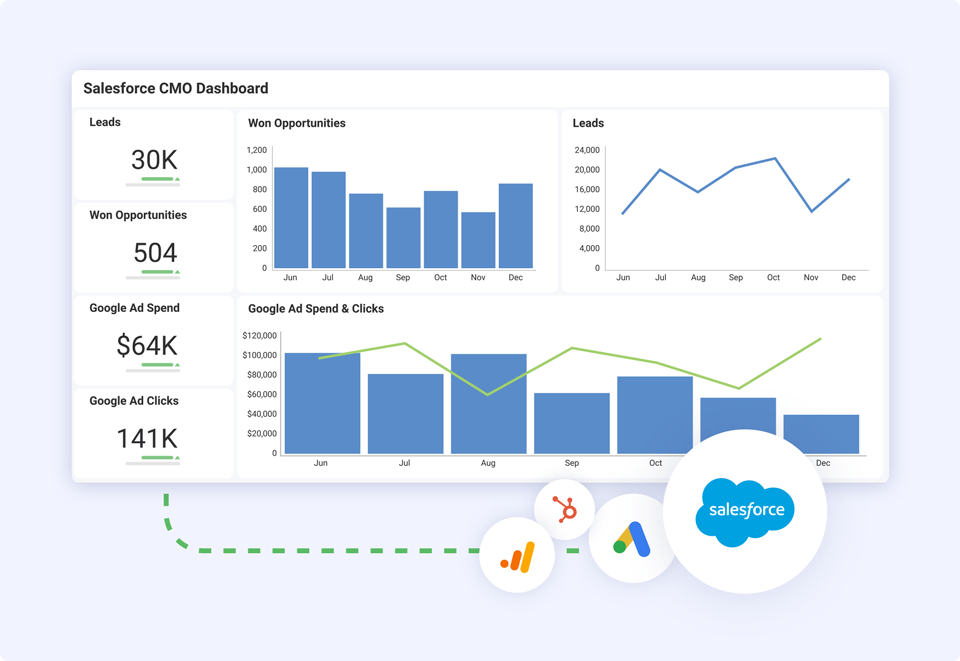
A BI tool shows you that MQL volume dropped 22% last month. But it doesn’t tell your content team to reprioritize top-of-funnel assets, or alert your paid team to redistribute budget, or let your sales ops manager know that SQL projections need revising. Each of those follow-up steps happens in a different tool, on a different timeline, with no clear link back to the original data signal.
That’s the gap. Not visibility. Coordination.
Connected systems = Share data.
Unified systems = Create shared visibility, standardized definitions, and coordinated execution.
In a unified marketing analytics system:
That’s the shift from integration to intelligence.
Here’s what that shift looks like in practice:
| Connected Stack | Unified System |
| Each tool uses its own metric definitions | KPIs are defined once, applied everywhere |
| Attribution varies by platform | Single attribution model across all data |
| Reporting requires manual reconciliation | Dashboards update in real time |
| KPI shifts spark Slack threads | KPI shifts trigger assigned actions |
| Executive decks are built manually | Executive reporting is always current |
A unified system should:
This is where a true marketing analytics platform differs from stitched dashboards.
Step 1: Standardize your definitions
Before you can unify reporting, you need to agree on what each metric means. What counts as an MQL? When does a session become a lead? How do you attribute the pipeline to a campaign? Document those definitions, make them visible, and enforce them across every system.
Step 2: Centralize your reporting layer
Pick one place where marketing performance lives. Not a Google Sheet updated each week manually — a live dashboard that pulls directly from your sources. This becomes the single version of the truth that everyone, from the CMO to the campaign manager, works from.
Step 3: Connect data to execution
This is where most teams stop short. They build the dashboard, but when a KPI moves, the response still happens across three different tools. A unified system closes that loop — so when pipeline attribution drops or MQL velocity slows, the right people get the right tasks automatically.
Step 4: Automate executive reporting
Stop building decks. If your exec reporting requires manual assembly, you’re one person’s availability away from a bad meeting. Automated dashboards that pull live data let leadership ask better questions because they’re not stuck validating numbers.
Slingshot is a data-driven work management platform built to do exactly what stitched dashboards can’t: connect your analytics to your execution in one place.
It integrates directly with HubSpot, Salesforce, and GA4, pulling your marketing, CRM, and web analytics into a single workspace. But the key difference is what happens after the data comes in.
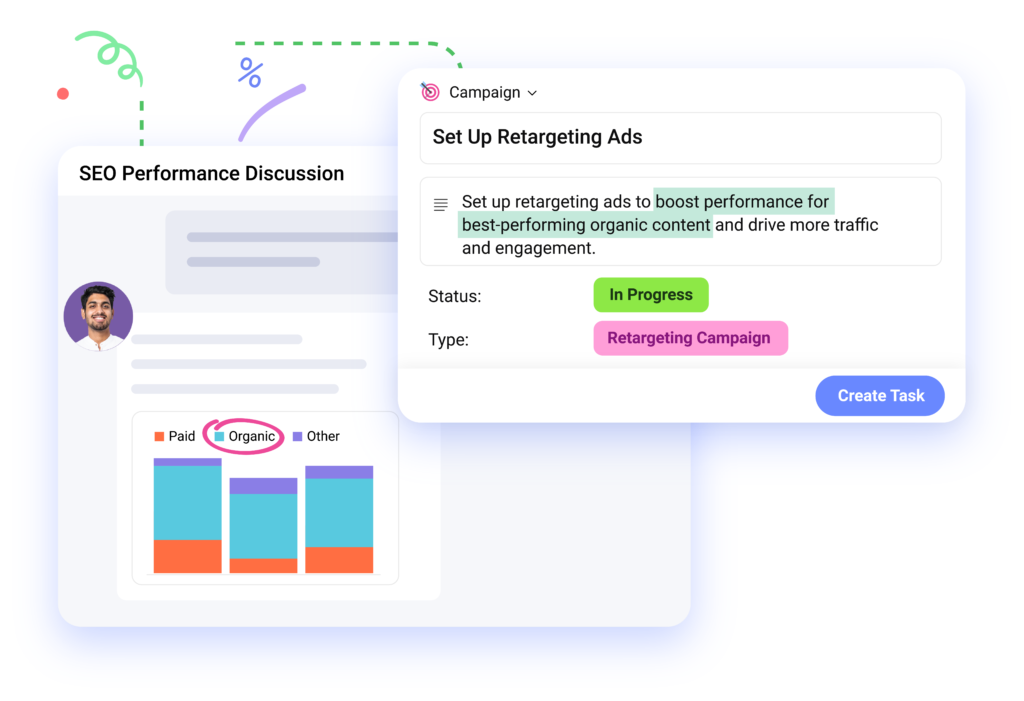
In Slingshot, when a KPI shifts, you don’t export a report and send a Slack message. You act directly in the same system where the insight surfaced. Tasks are assigned, projects are updated, and your team moves without switching tools.
Slingshot’s AI layer adds another dimension. Rather than manually digging through dashboards, you can ask plain-language questions about your data and get instant answers. Drop in MQL velocity for a specific campaign segment. Identify which channels are contributing to pipeline reporting challenges and get recommendations without building a custom report.
For marketing teams specifically, Slingshot’s marketing analytics platform provides:
The result is what the brief calls “integration to intelligence.” Your data isn’t just visible; it’s connected to the work your team does every day.
If you’re building toward revenue-accountable marketing, Slingshot gives marketing teams the infrastructure to prove impact, not just report activity.
When marketing data is unified:
Instead of asking: “Which number is right?”
Leadership asks: “What lever do we pull next?”
That shift changes everything. Marketing moves from a cost center to a revenue driver, not because the work changed, but because visibility did. When leadership can see a clear line from campaign activity to closed revenue, the conversation about marketing investment becomes very different.
HubSpot is powerful.
Salesforce is essential.
GA4 provides behavioral insight.
But tools alone do not create a revenue operating system.
Only unification does.
If you’re ready to stop reconciling spreadsheets and start operating from a single source of truth, explore Slingshot’s marketing KPI dashboard templates or take a product tour to see how it connects your stack.
If your marketing data feels disconnected, the issue isn’t your tools.
It’s the absence of a unified system.
Stop stitching reports together.
Start operating from one trusted source of truth.
SHARE THIS POST



 Return to Blog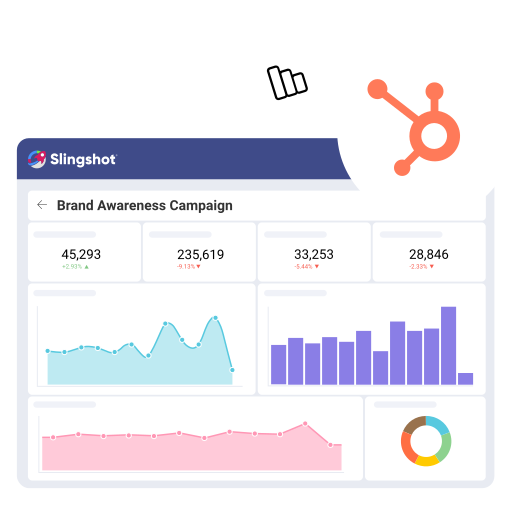
 ChatGPT
 Perplexity






